

JK6 Login – Web Access & Home Screen Guide
Experience the complete JK6 entertainment ecosystem directly through your mobile browser without sacrificing device storage or downloading bulky files. Our optimized web platform delivers the same high-speed performance, robust security, and expansive game selection as the desktop experience. Follow the streamlined steps below to finalize your JK6 registration and create a convenient home screen shortcut for instant play.
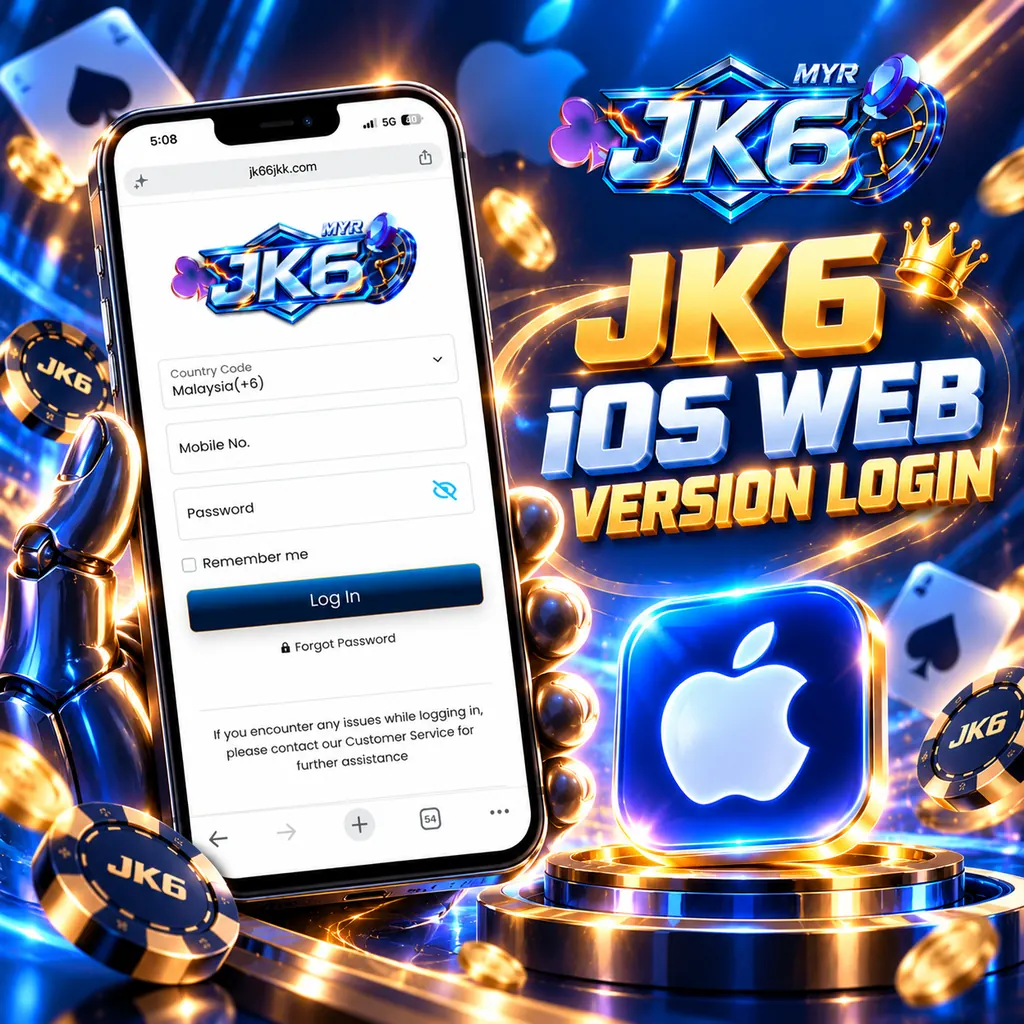
iOS Web Version & Home Screen Setup
Register Your Profile & Verify TAC: Navigate to the registration page to create your JK6 account. Enter your active Malaysian mobile number (e.g., 0123456789), select “Get TAC,” and input the one-time password delivered via SMS. Create a secure password consisting of at least 6 alphanumeric characters (strictly letters and numbers; avoid special characters).
Securely Link Your Bank Account: Input your full legal name exactly as it appears on your Malaysian bank account. This precise match is crucial to ensure smooth deposits and seamless withdrawals. Choose your local bank from the provided list, enter your account number, and click “Submit” to finalize your payment configuration.
Add the Web Shortcut to Your Home Screen: While browsing the JK6 lobby in Safari, tap the “Share” icon (the square with an upward-pointing arrow) located at the bottom of the screen. Scroll through the available options, select “Add to Home Screen,” and confirm your choice.
Instant Access Anytime: The JK6 shortcut will now appear alongside your other mobile applications. Simply tap the icon for rapid JK6 login, effortless fund management, and immediate gameplay. Should you prefer the dedicated application in the future, the official JK6 download is always accessible via your member dashboard.
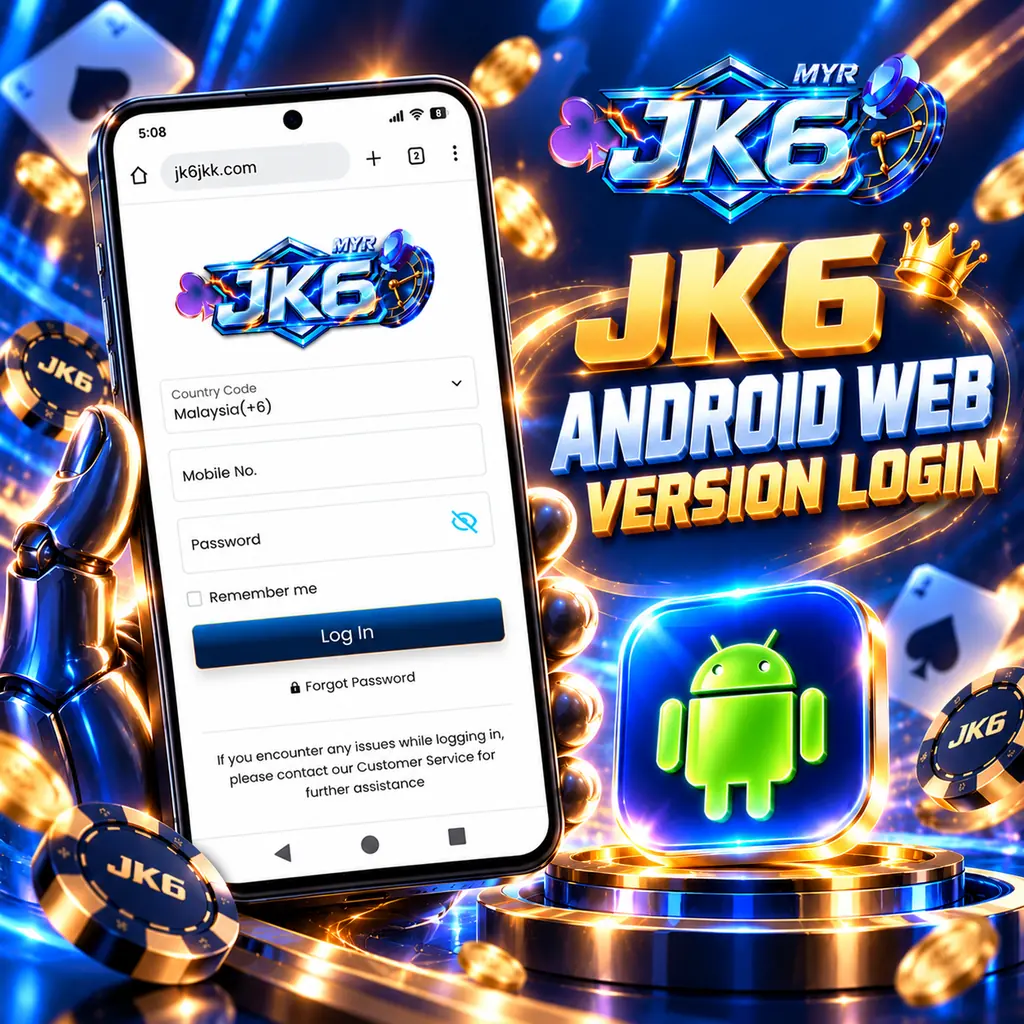
Android Web Version & Home Screen Setup
Access the JK6 platform effortlessly using your preferred Android browser. Complete this quick three-step process to finalize your JK6 registration, link your banking details securely, and add a quick-launch icon directly to your display.
Create an Account & Verify TAC: Open the sign-up portal to begin your JK6 experience. Enter your Malaysian phone number in the designated field (e.g., 0123456789), tap “Get TAC,” and provide the SMS verification code. Set up a strong password with a minimum of 6 characters, utilizing only letters and numbers (no special symbols).
Bind Your Financial Information: Enter your full name exactly as it is stated on your official ID and bank account. Matching these details perfectly is mandatory to prevent transaction rejections during cashouts. Select your bank, input the account number, and press “Submit” to activate your wallet.
Pin the Quick-Launch Shortcut: With the JK6 homepage open in Google Chrome, tap the three vertical menu dots in the upper-right corner. Select “Add to Home screen” from the menu options and confirm to place the web app directly on your desktop.
Seamless On-the-Go Gaming: The JK6 icon is now permanently available on your Android device. Tap it anytime for an immediate JK6 login without manually typing the URL. If you decide to transition to the native app later, the secure JK6 download is readily available within your account menu.